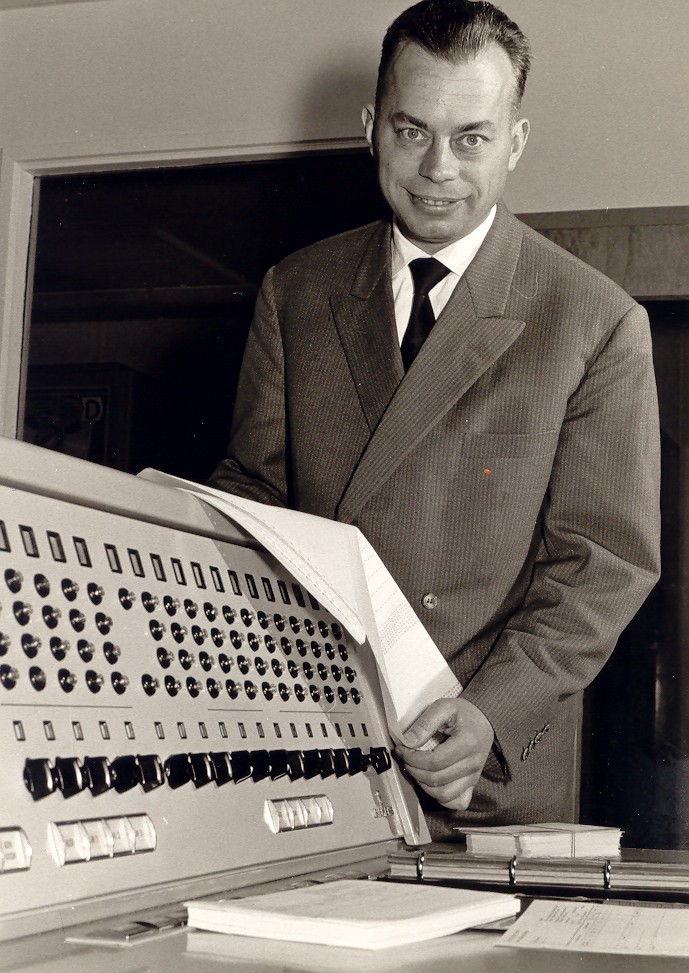
Georg Nees
Dissertation, University of Stuttgart, 1969
23 June 2026 — 100th birthdayIn 1969 Georg Nees submitted one of the first dissertations on computer-generated graphics. The pictures were not drawn on a screen but on an XY plotter: a drawing automaton whose stylus was programmed in ALGOL 60 — line by line, from the origin of the coordinate system.
This site redraws those original programs, chapter by chapter, as a tribute for his 100th birthday. Each chapter is one figure from the dissertation. The artist comes first: the one who chose, not only the program that drew.
The artistic process
In 1965 my father first exhibited his graphics and called them art. The refusal came, as I remember it, from the Akademie der Künste — I can no longer be sure. Generative graphics, they said, were not art. He suffered from this all his life, and doubted. We always saw the artist in him — someone who used mathematical ability to make his kind of art. The same happened to other pioneers, Frieder Nake among them.
Working through his dissertation now, I see that process more clearly. First the choice of forms he wanted to place at random: lines, rhombi, moths, rectangles — as later in the well-known work Schotter — triangles. Then how the objects should sit in the space, what impression the sheet should make. That step probably needed many drafts, most of them in his head. Resources were scarce: a run took hours, days, perhaps weeks. I remember well that the countless discarded drawings were used at home as scrap paper. I painted on the backs and did my homework there. Today images appear and change in seconds, including with the help of AI. Then every sheet was costly.
For the moth swarm he had to decide which knobs to turn — in my experience, over a long stretch of time. New swarms kept appearing until one came closest to what pleased him aesthetically. Because he used parameters, he did not leave the process entirely to chance. Results could be repeated. That is why we can generate the pictures again today — and, if we wish, take them further, for instance with colour in line and fill. The version in the book remains the one he chose.
My wife compared the procedure with something artists have long done: throwing paint at a wall, letting pigment drift on water, again and again until a state pleases, then fixing it. Chance does the work; deciding when it is enough is the artist’s. Eckhard Nees
Unfortunately we could not fully reconstruct every figure from the book. If you, as a visitor to this site, find the right parameters, we would be glad to hear your solution — please write to info@nees.app.
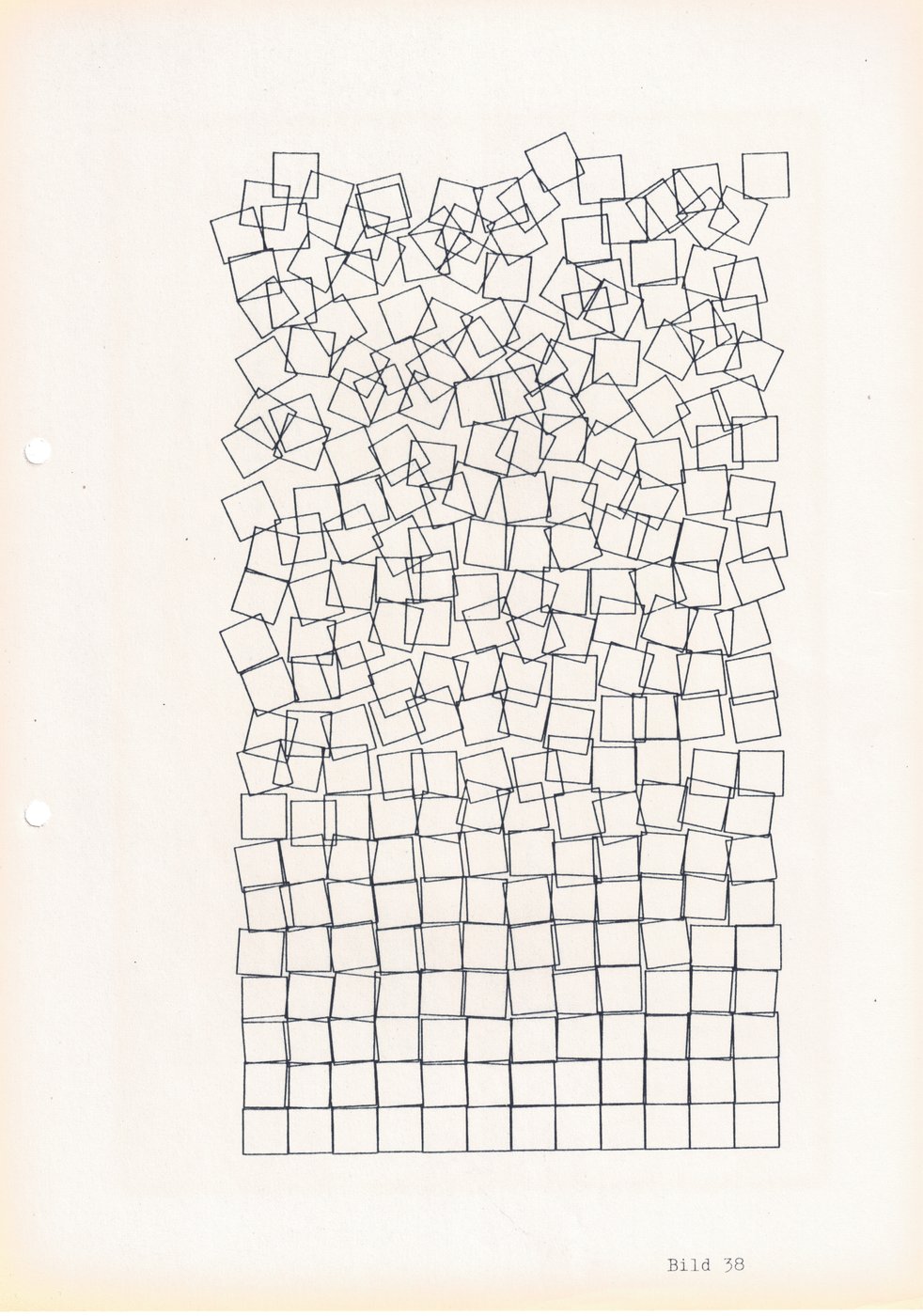 Schotter · fig. 38
The chapter pages
The chapter pages are built as follows:
- The graphic fills the screen like a sheet of plotter paper.
- Slim bars at the top and bottom: contents, previous/next, legal notice.
- The sliders start at the book values and redraw at once.
- Back to the book restores the printed figure.
- New seeds only changes the start numbers; the generator stays the historical one.
- ALGOL / JS shows the historical listing beside the drawing kernel.
- Book lays the dissertation sentences beside it.
Chapters
- ① Bogenraute
- ② Schachtelung
- ③ Spektrum
- ④ Falterschwarm
- ⑤ Random walk
- ⑥ Kreisbogen
- ⑦ Rechteckfläche
- ⑧ Sternhaufen
- ⑨ Tetrahedron
- ⑩ Heap and gestalt
- ⑪ Second eruption
- ⑫ Support points
- ⑬ Support points II
- ⑭ Series
- ⑮ Elementary random walk
- ⑯ Elementary random walk II
- ⑰ Anisotropic series
- ⑱ Anisotropic series II
- ⑲ Extreme series I
- ⑳ Heap of rectangles
- ㉑ From variation to texture
- ㉒ Texture
- ㉓ Texture II
- ㉔ Micro-innovation
- ㉕ Micro-innovation II
- ㉖ Micro-innovation III
- ㉗ Mikado heap I
- ㉘ Crossing lines
- ㉙ Open texture
- ㉚ Curls
- ㉛ Gravel
- ㉜ Addition
- ㉝ Anisotropic texture
- ㉞ Anisotropic texture II
- ㉟ Mikado heap II
- ㊱ McKay
- ㊲ Weave
- ㊳ Weave, centered disturbance
- ㊴ Weave II
- ㊵ Ornament
- ㊶ Ornament II
- ㊷ Square distribution
- ㊸ Square distribution II
- ㊹ Square distribution III
- ㊺ Contour and gestalt
- → Related pages